Parece que este serviço está em espera

I will do excel work data entry and office work or salary sheet

Algumas informações são exibidas no idioma inglês.

Índia

Eu falo Hindi, Inglês
As an experienced Excel operator with two years of dedicated expertise, I specialize in efficiently managing and analyzing data using advanced Excel functionalities. My skills include data entr...
Sobre este Serviço

It seems like there might be a small typo in your question. Did you mean to ask for a description of all the Excel options? If so, providing a detailed description of every option in Microsoft Excel would be quite extensive, as Excel is a comprehensive spreadsheet program with numerous features and functions.

Instead, I can give you an overview of some key categories and options in Excel. If you have a specific area or feature you're interested in, please let me know so I can provide more targeted information. Here are some general categories:
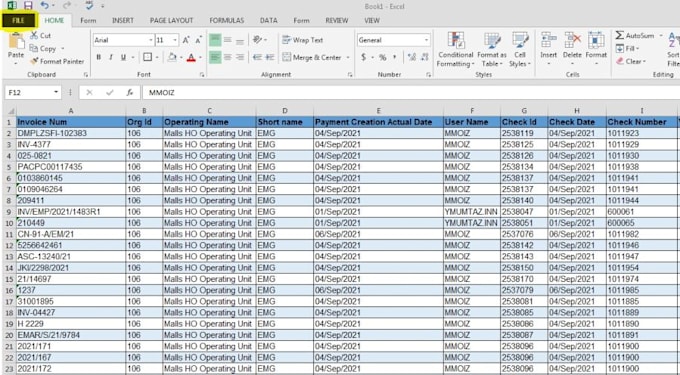
  1. File Tab:
  • New: Create a new workbook.
  • Open: Open an existing workbook.
  • Save: Save the current workbook.
  • Print: Print the current workbook.
  • Options: Access Excel settings.
  1. Home Tab:
  • Clipboard: Cut, copy, and paste options.
  • Font: Change font style, size, and color.
  • Alignment: Adjust cell alignment.
  • Number Format: Set the format for numbers.
  • Styles: Apply cell styles.
  1. Insert Tab:
  • Tables: Insert tables into your worksheet.
  • Illustrations: Add pictures, shapes, and charts.
  • Charts: Create various types of charts.
  • Sparklines: Insert small charts to show trends.
  1. Page Layout Tab:
  • Themes: Change the overall look of your workbook.