Ver categorias
Português
$
USD
Conecte-se à sua IA

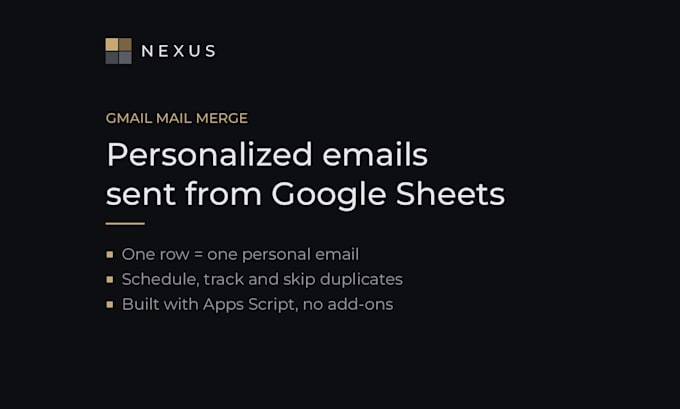

Need to send personal emails to a list without copying and pasting each one?
I will build a mail merge inside your Google Sheet. Each row becomes one personalized email sent from your own Gmail or Google Workspace account, with the first name, company and any other field you choose.
What you get:
- A message template with merge fields like {{First name}} and {{Company}}
- One-click sending from your Google Sheet, or scheduled sending
- A status column per row (sent, skipped, error), so no one gets the same email twice
- Rows without a valid email skipped automatically
- Respect for Gmail daily sending limits
- Short written notes so you can run it yourself
Good for client updates, event invitations, follow-ups and payment reminders to people who know you.
Not for spam: I do not build tools to send unsolicited bulk email or to bypass Gmail limits.
Everything runs in your own Google account. You own the file and the code, with no paid add-ons or monthly fees. Communication is written and asynchronous.
Send me a message with what you want to send and to how many people, and I will confirm the scope.
Google Apps Script and Outbound Automation
Idiomas
How many emails can I send per day?
It depends on your account: Google allows about 100 recipients a day from Apps Script on a free Gmail account and about 1,500 on Google Workspace. The script respects that limit and continues the next day if needed.
Can I add attachments or a personal file for each person?
Yes. The same attachment can go to everyone, or each row can point to its own file in Google Drive (for example, a personal invoice or certificate).
Will my emails come from my own address?
Yes. Emails are sent from your own Gmail or Google Workspace account, with your name and signature, so replies come straight to your inbox.
