Ver categorias
Explorar
Fiverr Pro
Português
$
USD




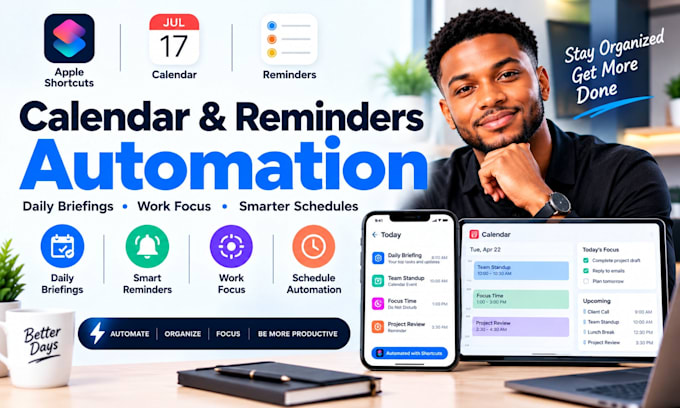
Tired of manually updating tasks, chasing team members, and missing important project alerts?
I build Apple Shortcuts, Slack, and Trello automations that keep tasks moving and your team informed without constant manual follow-ups.
What you'll get:
Platforms I also work with: Apple Shortcuts, Slack, Trello, Zapier, Make, n8n, Google Calendar, Google Sheets, Gmail, Microsoft Teams, Asana, ClickUp, Notion, Todoist, Airtable, Jira, Monday.com, Discord, Google Tasks, Microsoft To Do, IFTTT, Pipedream
MESSAGE ME NOW TO AUTOMATE YOUR TASKS AND KEEP YOUR TEAM IN SYNC!
Smart Workflows Less Manual Work
Idiomas
1. Can you connect Apple Shortcuts, Slack, and Trello?
Yes. I can connect them using available integrations, webhooks, APIs, or supported automation methods based on your workflow.
2. What results can I expect?
Expect fewer repetitive updates, faster task notifications, and clearer team communication. Results depend on your current process and setup.
3. Will this work with my devices and apps?
I’ll check your Apple device, operating system, app versions, permissions, and integration options before confirming compatibility.
4. Is my information secure?
I use appropriate access controls and secure configuration practices. Share only the permissions needed for the project.
5. Can you expand the automation later?
Yes. I can structure workflows so you can add more tasks, alerts, apps, and team processes as your needs grow.