Ver categorias
Português
$
USD
Conecte-se à sua IA




Are manual data entry, repetitive email updates, and slow approval processes taking up valuable hours in your business?
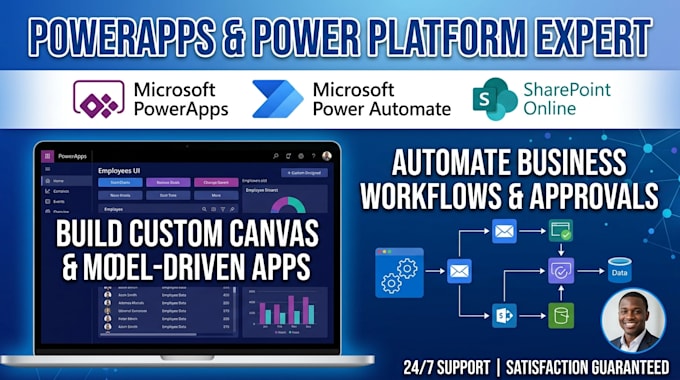
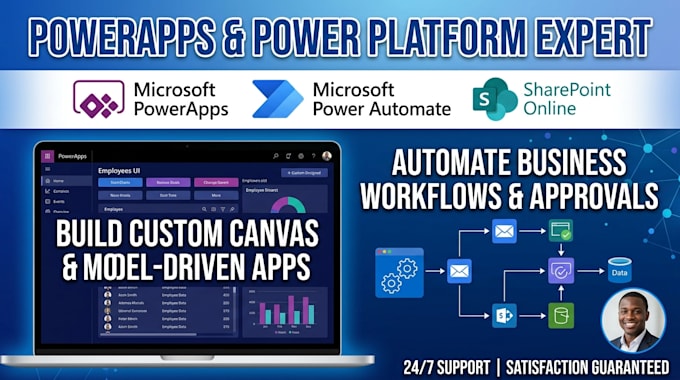
I specialize in building custom Power Automate workflows and SharePoint business process automations designed to eliminate manual tasks, connect your software tools, and run daily operations automatically.
Whether you need automated email notifications, multi-level approval workflows, or complex cross-platform data synchronization, I will build a secure and efficient automation flow tailored to your exact business needs.
What I Can Automate For You:
CONTACT ME NOW!!!
Amazon KDP Expert: Professional Book Publishing, Formatting , Cover Design
Idiomas
What details do I need to provide before you start on my flow?
You will need to provide an overview of your business process, the triggers and actions you want to automate, and access to your Microsoft 365 environment (or guest access to your SharePoint / Power Automate platform).
Can Power Automate connect to apps outside the Microsoft ecosystem?
Yes! Power Automate supports hundreds of pre-built connectors including Google Workspace, Salesforce, Trello, Twilio, SQL, and custom REST APIs to integrate third-party applications with your Microsoft setup.
What happens if an automated flow fails or throws an error in the future?
My Standard and Premium packages include custom error-handling logic that alerts you immediately if a flow fails. I also offer troubleshooting support to quickly resolve connector, schema, or permission errors.
Can you connect this automated workflow to a PowerApp or SharePoint list?
Yes, absolutely. Power Automate integrates seamlessly with SharePoint lists, Microsoft Forms, Dataverse, and PowerApps buttons to run background workflows automatically whenever data changes or a user clicks a button.
Will I get a walkthrough explaining how the automation works?
Yes. Standard and Premium orders include clear step-by-step documentation or a short video walkthrough demonstrating how your flow functions and how to monitor flow run history.