Ver categorias
Explorar
Fiverr Pro
Português
$
USD
Microsoft 365 Administrator
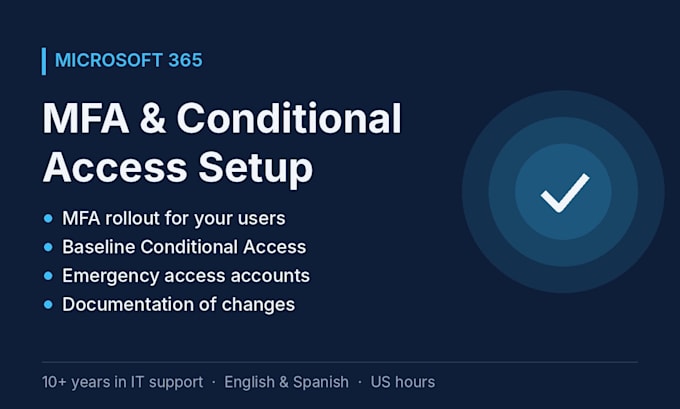
Passwords alone aren't enough anymore. I'll set up multi-factor authentication (MFA) in your Microsoft 365 tenant and, if your licenses allow it, baseline Conditional Access policies.
I have 10+ years in IT support, and since 2023 I support 40+ client tenants for a US-based MSP, including MFA resets and access issues every day.
What's included (depending on package):
Good to know:
Remote, in English or Spanish, covering US hours. Message me before ordering if you're not sure which package fits.
Dispositivo:
Desktop
•
Notebook
•
Celular
Sistema operacional:
Windows
•
OSx
Will my users get locked out?
I plan the rollout with you, test policies before enforcing them, and keep emergency access accounts so admins can always get back in.
Do I need special licenses?
MFA works with any Microsoft 365 plan. Conditional Access needs Microsoft Entra ID P1, which is included in Microsoft 365 Business Premium. Ask me before ordering and I'll check what you have.
