Ver categorias
Explorar
Fiverr Pro
Português
$
USD




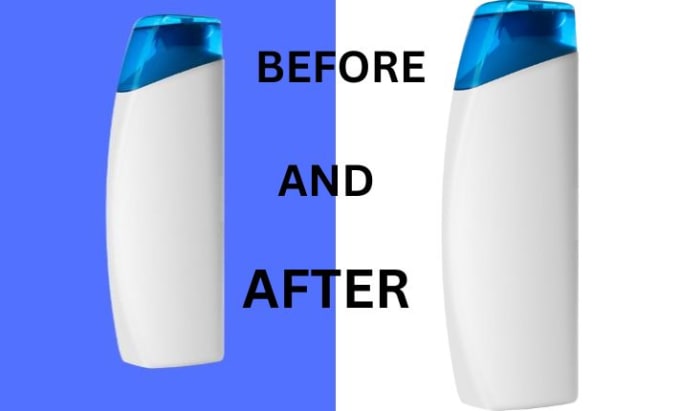
To change the background of an image, there are several methods you can use, depending on the image and the desired outcome. Here are some steps to follow:
Overall, changing the background of an image
Informe o freelancer sobre suas preferências ou preocupações em relação ao uso de ferramentas de IA na conclusão e/ou entrega de seu pedido.
Idiomas
What is photo editing?
Photo editing refers to the process of changing or enhancing digital images. It includes various techniques such as color correction, cropping, resizing, retouching, and adding filters or effects.
What software can be used for photo editing?
There are many software options available for photo editing, ranging from free and simple to complex and expensive. Some popular options include Adobe Photoshop, GIMP, PaintShop Pro, and Canva.
What is the difference between raster and vector images?
Raster images are made up of pixels, while vector images are made up of paths. Raster images are best for photographs and images with a lot of details, while vector images are better for graphics with clean lines and simple shapes.
How do I resize an image?
The process of resizing an image varies depending on the software being used. In most photo editing software, you can find the resize option under the Image menu or in the Properties panel.
How do I change the background of an image?
To change the background of an image, you will need to use a photo editing software with a layer system. You can remove the original background and replace it with a new one by using selection tools, masks, and brush tools.